Product Preview
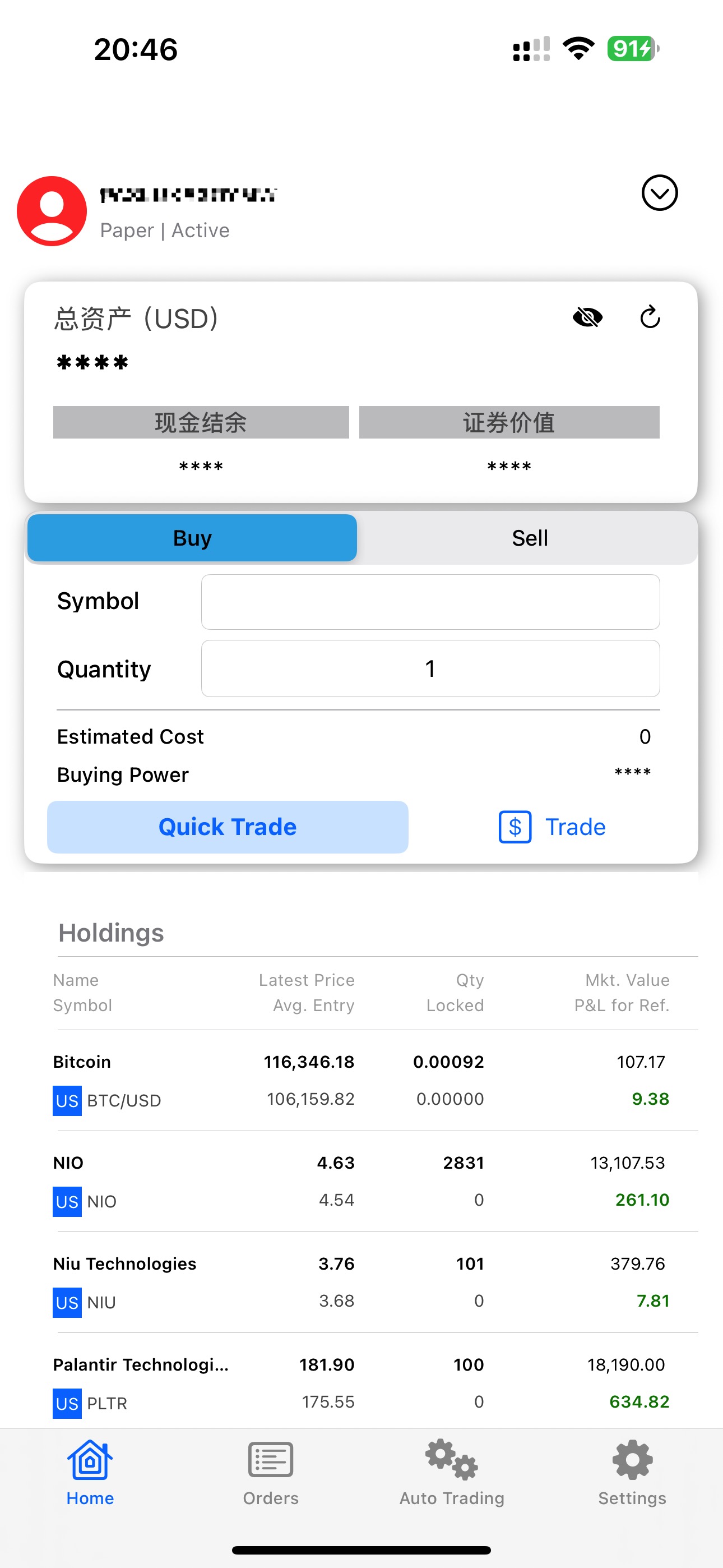
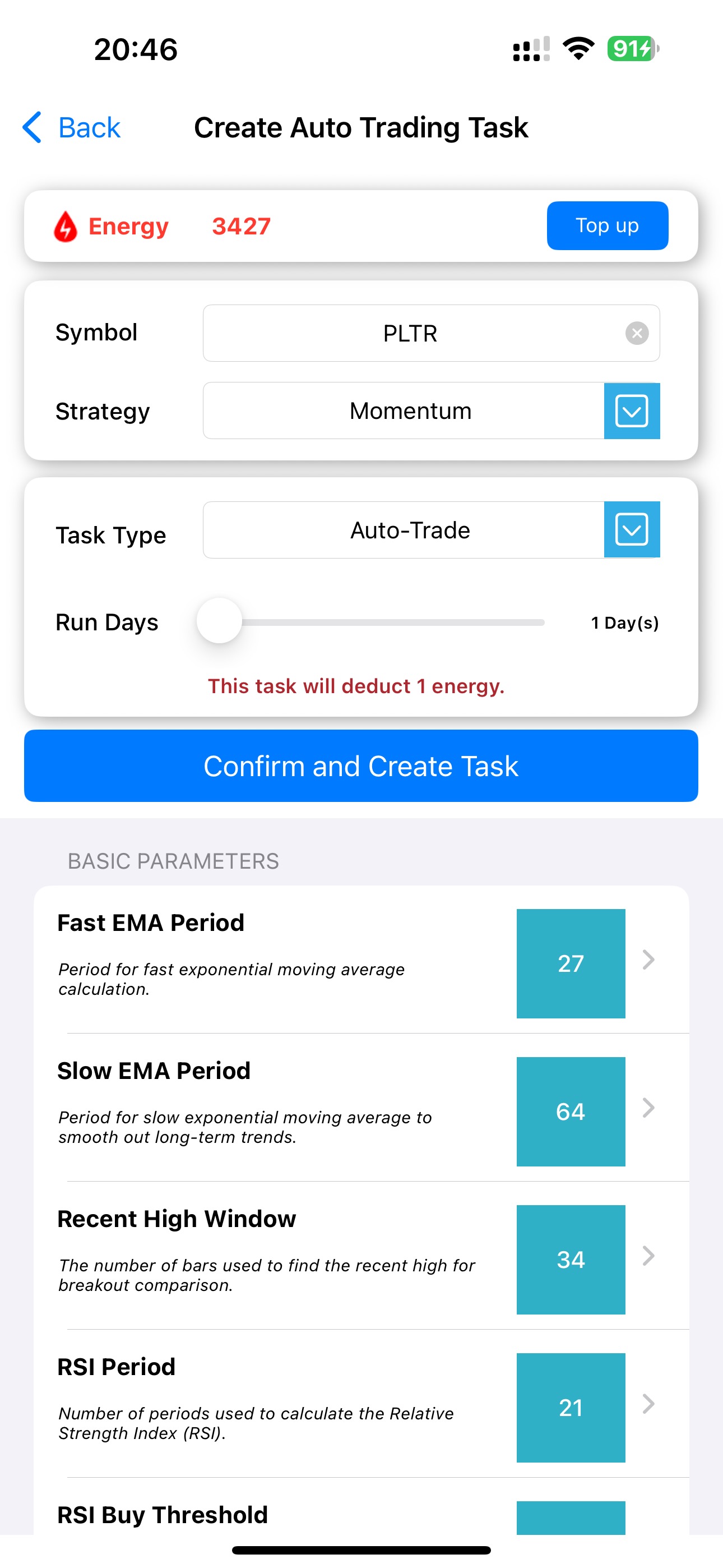
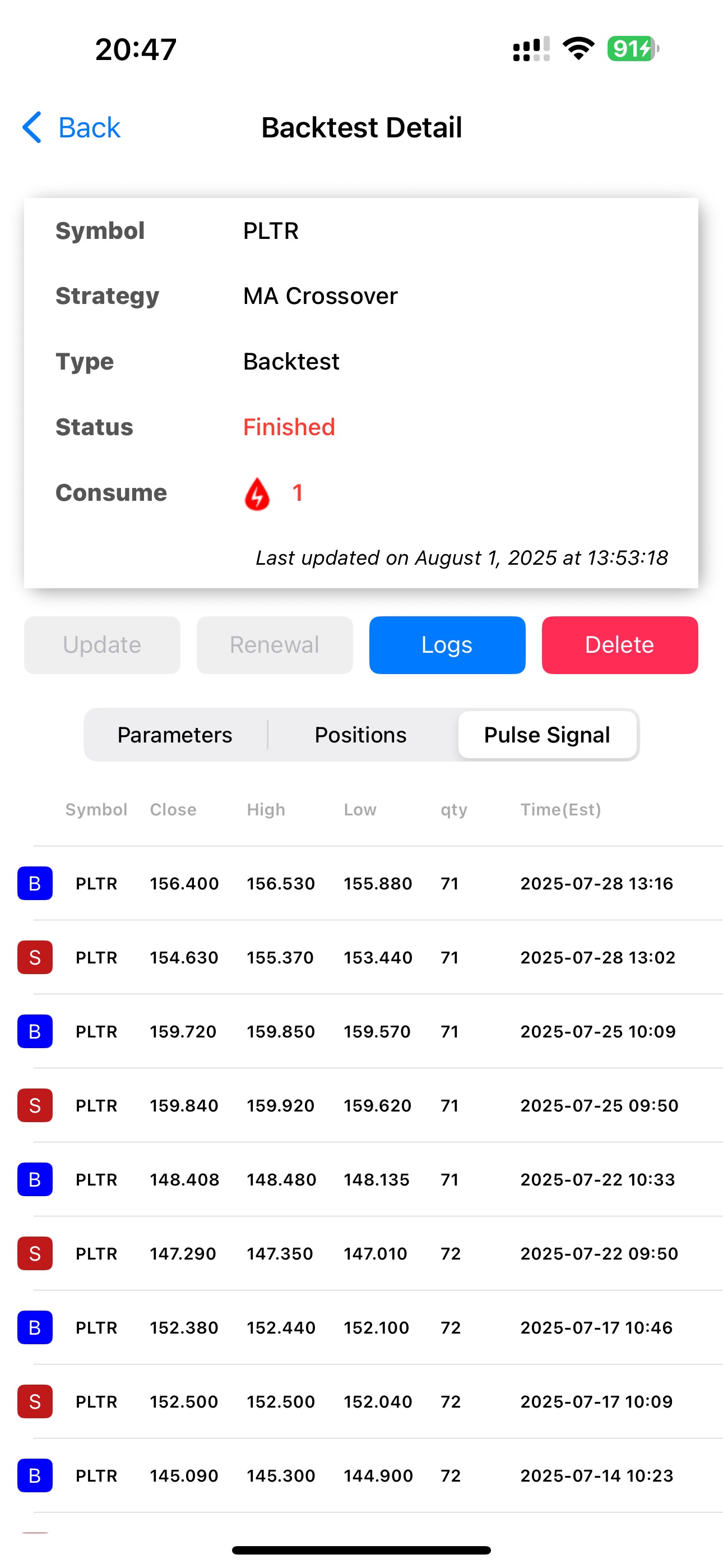
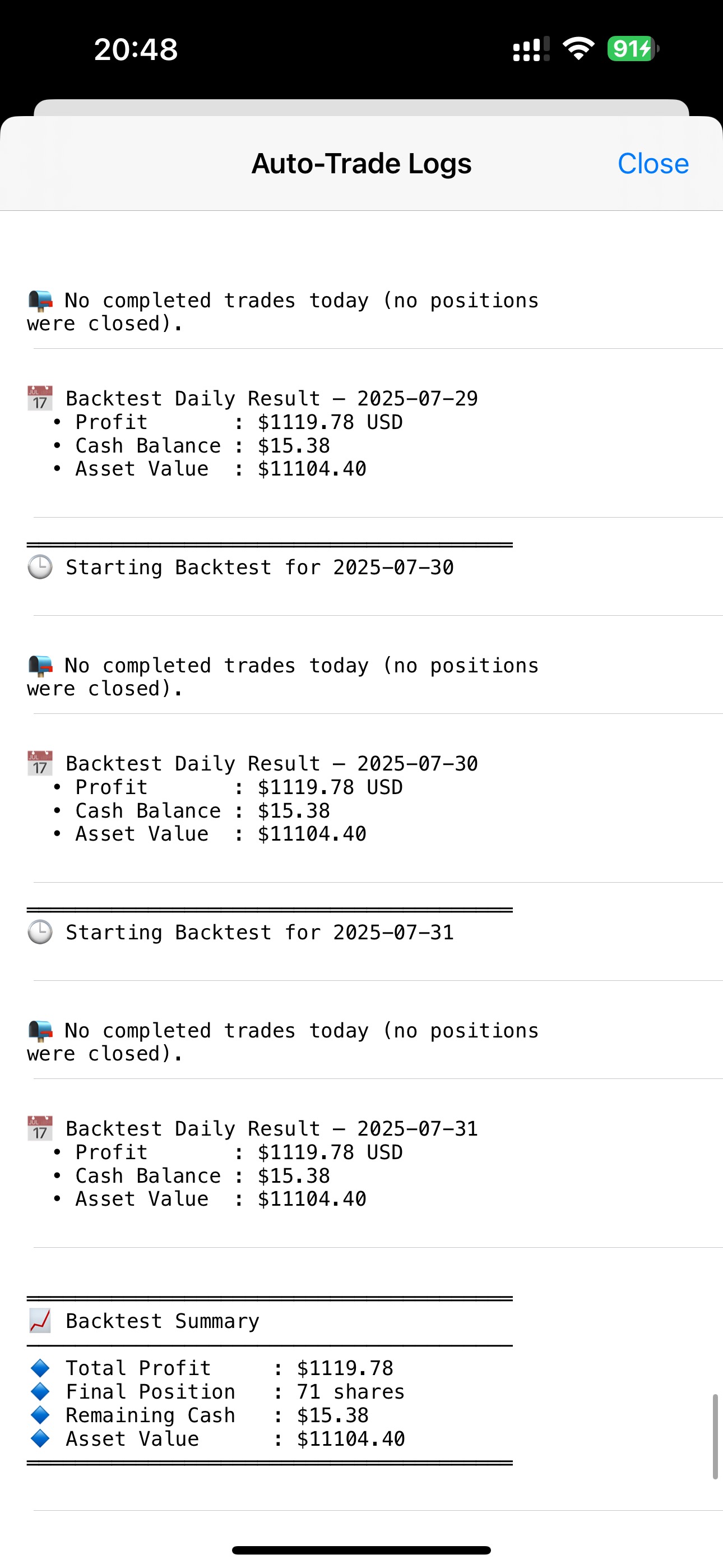
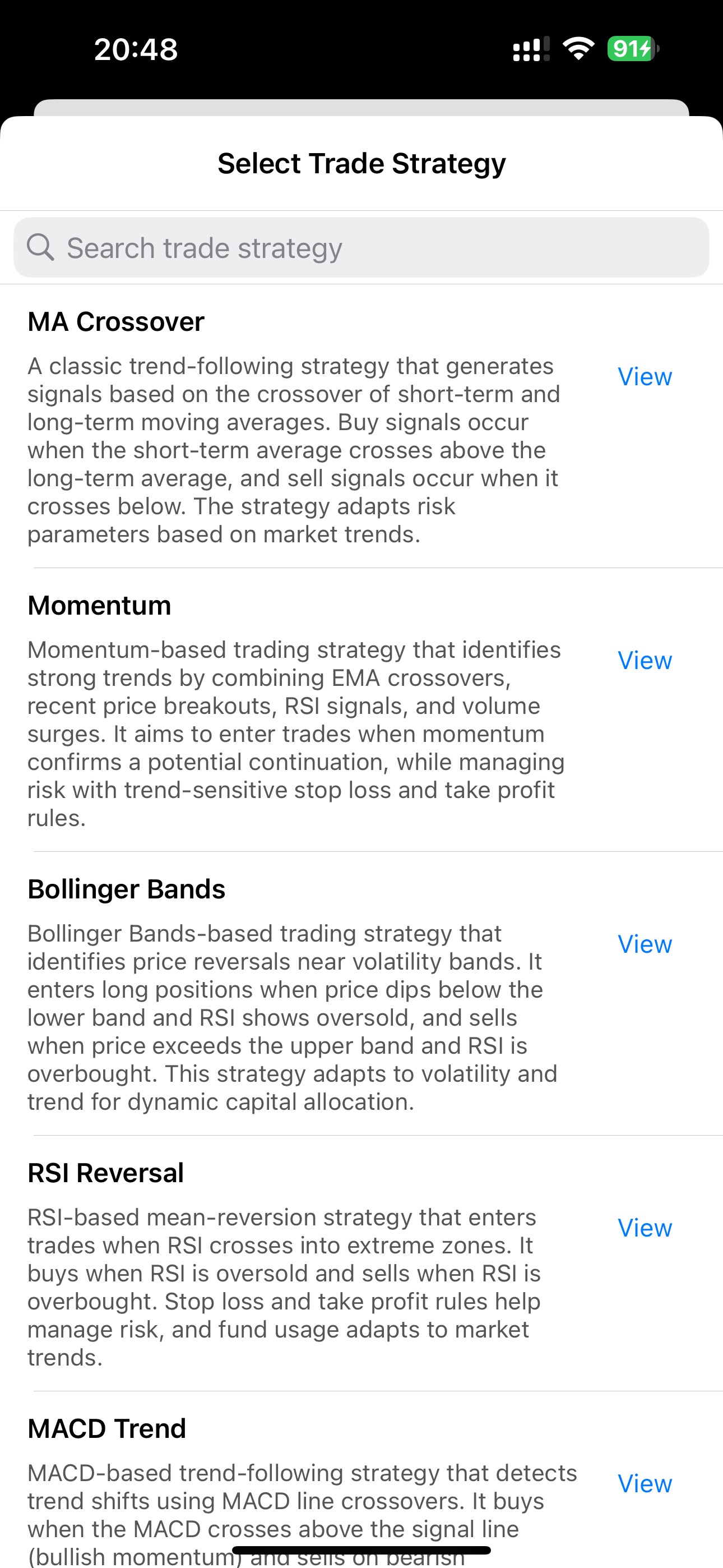
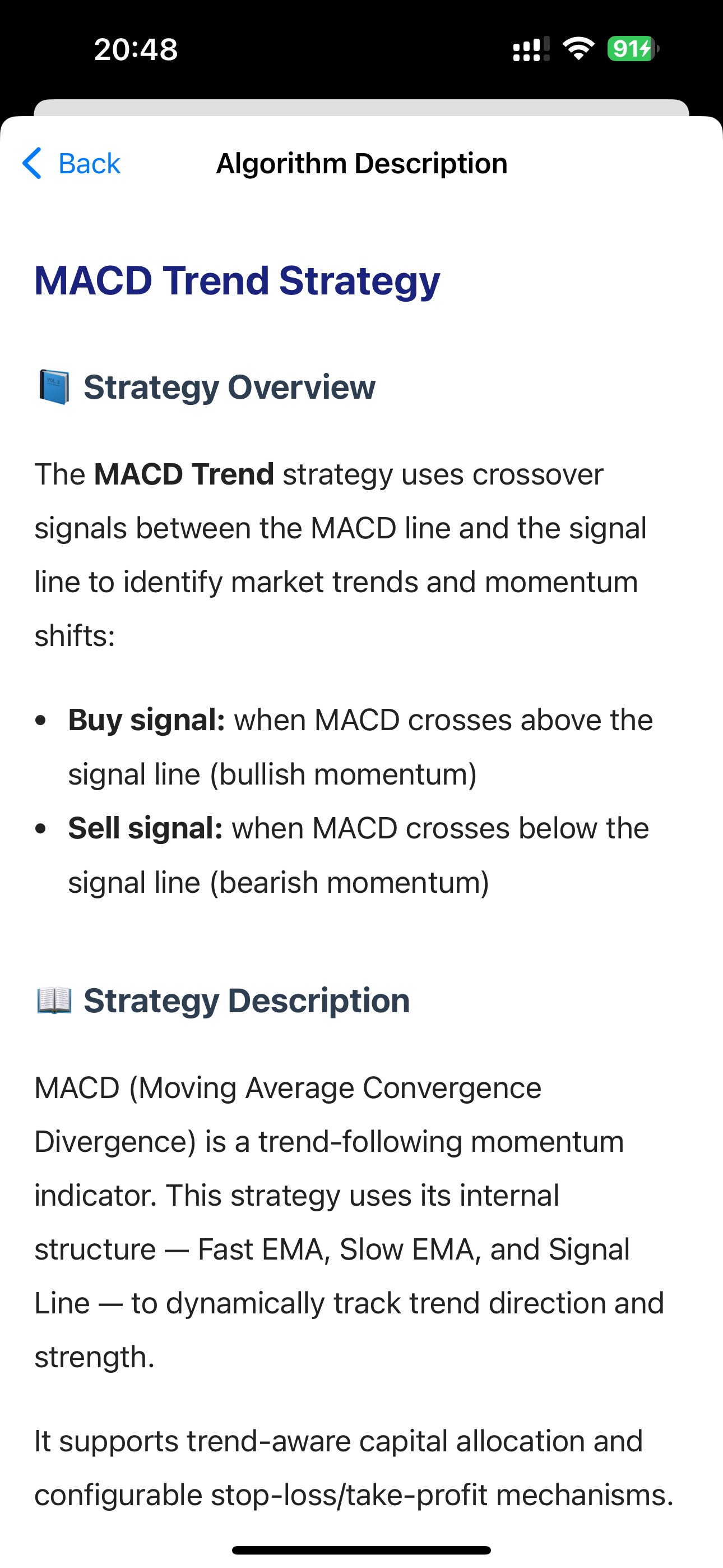
A full-featured quant trading app: strategy automation, backtesting, position management, and transparent execution logs. Built for U.S. stocks via Alpaca API—powerful yet accessible.
Strategy automation, tunable parameters, independent positions, multi-account support, and transparent logs—quant trading made simpler and stronger.
MA crossover, Bollinger Bands, Donchian Channel, Dual MA, KDJ reversal, MACD trend, Momentum, RSI reversal.
Tune parameters to match your trading style and market preferences.
Create multiple tasks per symbol with separate capital and position management.
Every trigger and fill is recorded clearly for review.
PulseForce uses a credit-based model.
• Automated trading task: 1 credit/day per stock.
• Backtesting task: 1 credit per 30 days of historical data (e.g., 30d → 1, 60d → 2, 90d → 3).
Backtesting and trading require linking your Alpaca account with an active data service.
Covers automated strategies, backtests, and optimizations. Trading tasks consume only 1 credit/day per stock.
High value for ongoing automation plus occasional backtests.
Plenty of credits for concurrent tasks—ideal for advanced users.
https://oss.hiforce.net/pulse/dl/pulse-force-universal-release-v2.1.7.apk
https://pulse-dl.hiforce.ai/pulseforce/source.json
https://pulse-dl.hiforce.ai/pulseforce/source-classicial.json

Need full step-by-step instructions (AltServer setup, certificate trust, and the App Store PulseForce Lite version)? Check the iOS install guide .
Do I need an Alpaca account?
Yes. You connect your own Alpaca account (API Key/Secret). Trades execute on Alpaca; PulseForce does not custody funds.
Crypto support?
Supported via Alpaca’s crypto interface.
Backtesting?
Yes, up to ~90 days of historical data.
How to install?
On an iPhone with AltStore (Classic or PAL 2.2+), add the appropriate source URL, then install PulseForce from AltStore. For the full step-by-step guide (including the App Store PulseForce Lite version), see the iOS install guide .
Install, connect your account, and start automated strategies.
* Full-featured iOS version: EU-only via AltStore PAL / Classic. Apple Notarization completed. The App Store “PulseForce Lite” focuses on backtesting and research.