Creative confidence
A modern professional presence
Ideas, brought to life.
Portraits that feel like you. Products that stand out. Photos worth keeping.
One photo. A new chapter.
An editorial moment, a confident headshot, a look you have never tried. Choose a theme and pick 1–5 portraits for a session built around you.
Create my portraits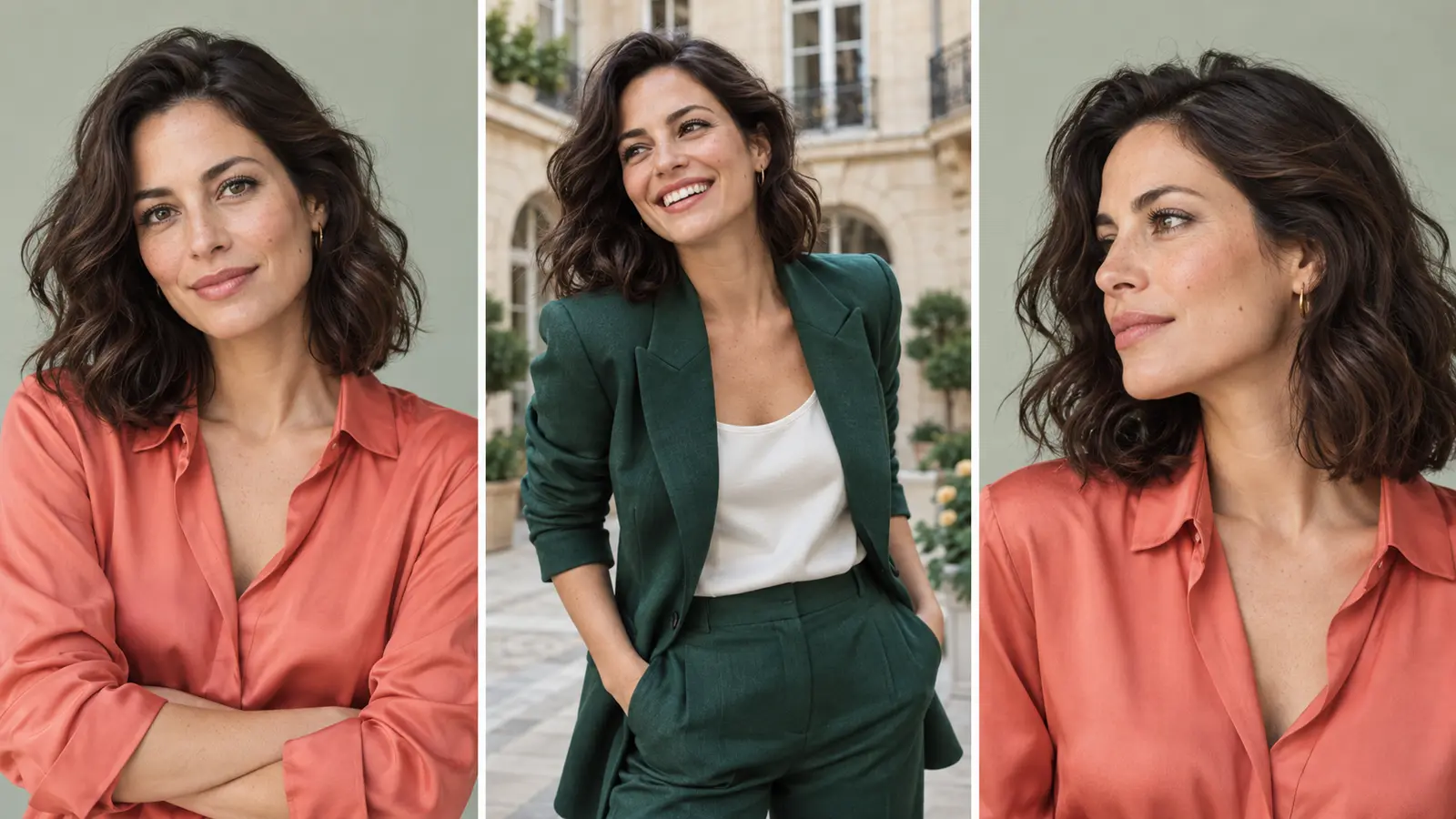
The person in your photo is the starting point, not the model in a sample. Bring your own features and natural skin tone into a new setting, outfit and mood.
Build a session from 1–5 sample shots you love. A thoughtful profile, a relaxed smile, a full-length look: make room for more than one side of yourself.
A short note can clarify the details that matter to you. Keep your original hairstyle when you want it, then review each finished photo and take it into the editor.
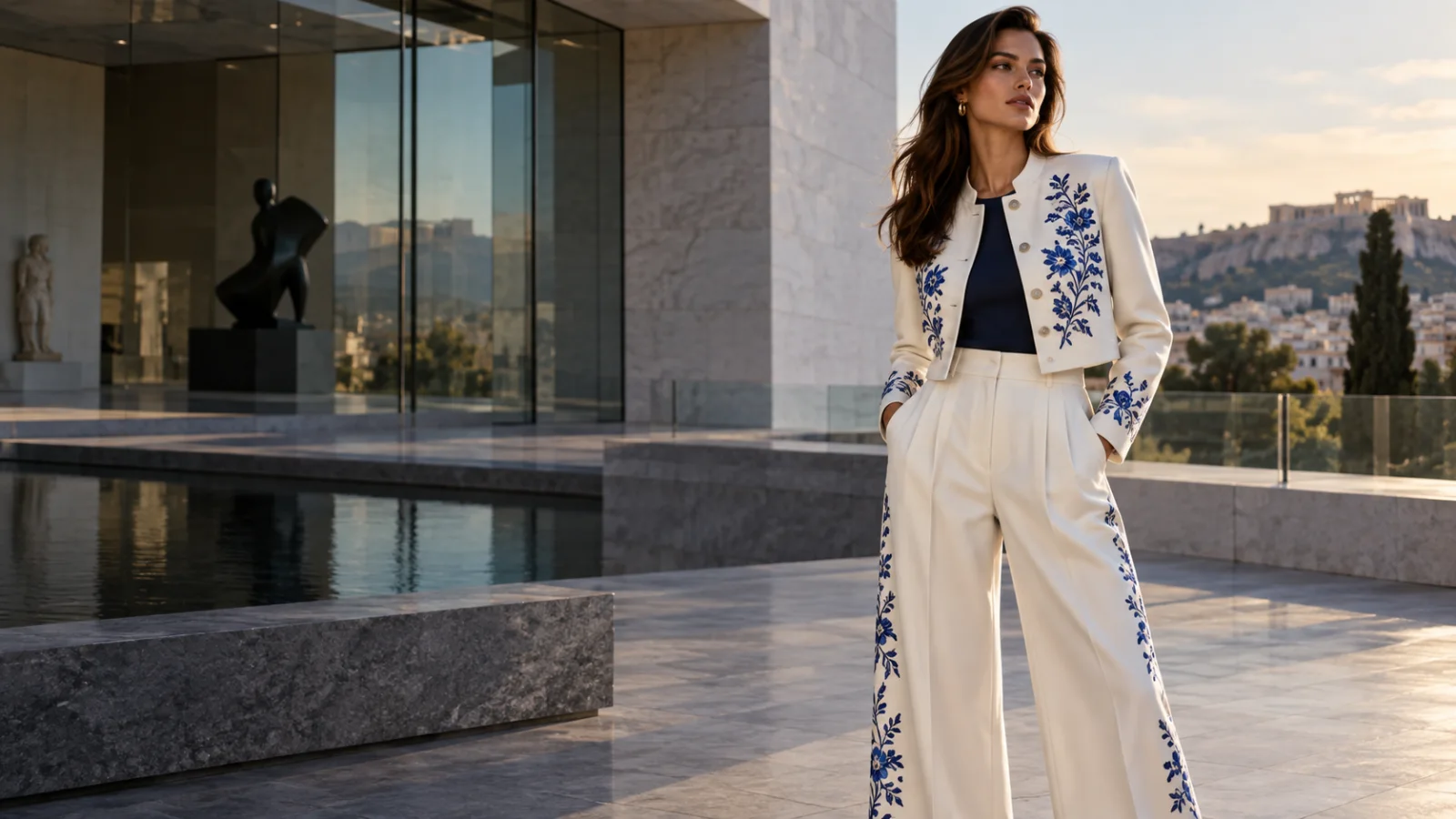
From a confident professional portrait to a softer studio moment or a journey into another style. Explore collections for women and men, with their own wardrobe, light and setting.
A modern professional presence
Natural skin, gentle studio light
Silk, lanterns and timeless details
Kimono and quiet Japanese interiors
French windows and easy elegance
A look for a special occasion
Selected AI-created theme samples, not customer results. Available collections are shown in the studio.
For your next chapter, your next launch, or simply a photo you love.
A fresh professional look. A cinematic mood. A moment that feels like yours.
Refine skin, light and detail without making a new person out of you.
Turn a familiar face into a playful illustrated character.
Bring garments to life on a model, beyond the flat-lay photo.
A clean white background, or a color that belongs to your brand.
Find a setting that makes your product feel at home.
Crop, adjust, add text and shape the final image in the local editor.
Remove an unwanted object and give the photo room to breathe.
Give an existing photo a clearer, higher-resolution finish.
AI-created examples. Your results will vary.
A little less in the way
Some images do not need a new idea. Just one thoughtful change. Remove a distraction, soften the light, or finish the details.
Open PixelForce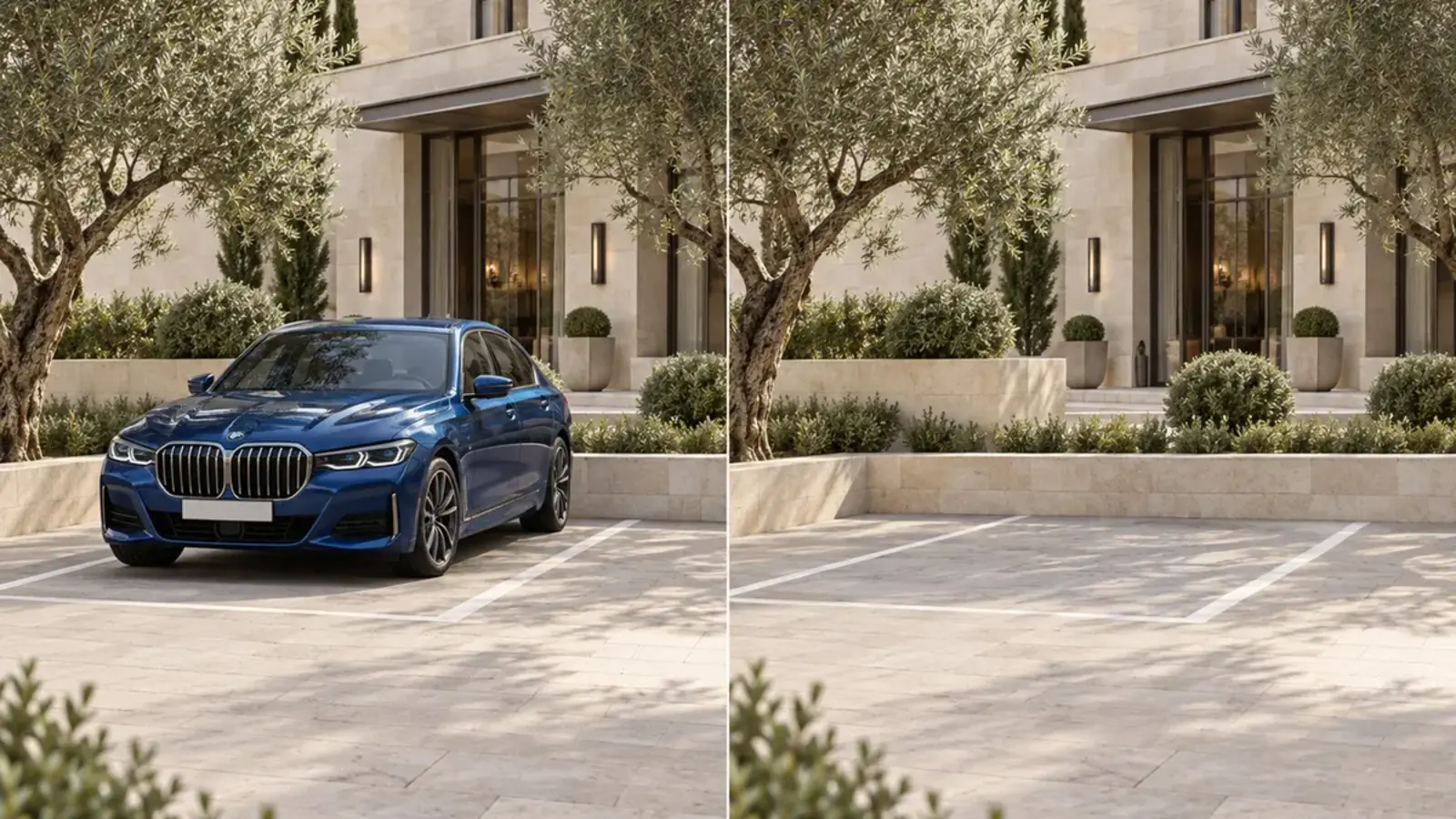
A photo, a product, or an idea you can put into words.
Choose the look and describe what matters to you.
Review the result, refine it, and take the final image with you.
Choose the right amount for your next idea, from a portrait session to a fresh set of product images.
US$8
120 Points
For a new idea or a quick refresh.
Get PointsUS$50
800 Points
More room for photo sessions and bigger projects.
Get PointsWebsite top-up prices. In-app prices on the App Store and Google Play may differ; the price shown at purchase applies.
AI creations use Points based on the scene, mode, image quality and number of photos, with a clear quote before you start. Portrait sessions are billed per chosen photo; local image editing uses no Points.
Each bold figure is the total for one successful photo; the smaller figures are input + output. All amounts are in Points. — means that option is not offered. HD totals replace the Standard total; they are not an additional fee.
| Scene | Normal / Default | High | ||
|---|---|---|---|---|
| Standard | HD | Standard | HD | |
| Portraits | ||||
| AI Portrait Studio1–5 photos; charged per photo | 62 + 4 | 102 + 8 | — | — |
| Portrait retouch | 20 + 2 | 40 + 4 | 42 + 2 | 62 + 4 |
| ID photo | 10 + 1 | — | — | — |
| Cartoon portrait | 10 + 1 | — | — | — |
| Product imagery | ||||
| Garment-preserving redraw | 42 + 2 | 62 + 4 | — | — |
| Garment Try-On | 42 + 2 | 62 + 4 | — | — |
| Model Recast | 20 + 2 | 40 + 4 | 42 + 2 | 62 + 4 |
| Background redraw | 20 + 2 | 40 + 4 | 42 + 2 | 62 + 4 |
| White-background packshotSame price as Background Cutout | 10 + 1 | — | — | — |
| Creation & photo tools | ||||
| Text to image | 20 + 2 | 40 + 4 | 42 + 2 | 62 + 4 |
| AI Retouch | 20 + 2 | 40 + 4 | 42 + 2 | 62 + 4 |
| Object Eraser | 20 + 2 | — | 42 + 2 | — |
| Smart Recolor | 20 + 2 | — | 42 + 2 | — |
| AI Outpaint | 20 + 2 | — | 42 + 2 | — |
| AI Relight | 20 + 2 | 40 + 4 | 42 + 2 | 62 + 4 |
| AI Upscale2K included; no separate HD upgrade | 52 + 3 | — | — | — |
| Background CutoutSubject mask included, not a second charge | 10 + 1 | — | — | — |
| Image editorLocal editing only; AI follow-up is billed separately | 00 + 0 | — | — | — |
Where multi-image generation is available: input is charged once per job, plus output × the number of photos.
AI Portrait Studio charges input and output for each chosen photo. 3 Standard photos: 18 Points; 3 HD photos: 30 Points.
Normal / Default also covers scenes with a single fixed mode. High appears only when that scene lets you choose it.
Points are reserved before generation and settled afterward. If no image is delivered but processing costs were incurred, only input Points may be charged; output Points are released. Partial portrait sessions settle each photo separately.
Prices can change. The quote shown in the studio before submission is authoritative.
No. Start with a scene and a photo or a short description. More detailed controls are there when you need them.
AI tasks use Points. The studio shows an estimate before you run a task; the amount depends on the scene, quality and number of photos. Local image editing does not call an AI provider.
AI creation sends your selected photos to our server and the services needed for the task. Local edits stay on your device. Please read our Privacy Policy before uploading personal photos.
The web studio is available now, and the PixelForce app can be downloaded from the App Store and Google Play.
One workspace for the photo you have and the image you imagine.
Open PixelForce