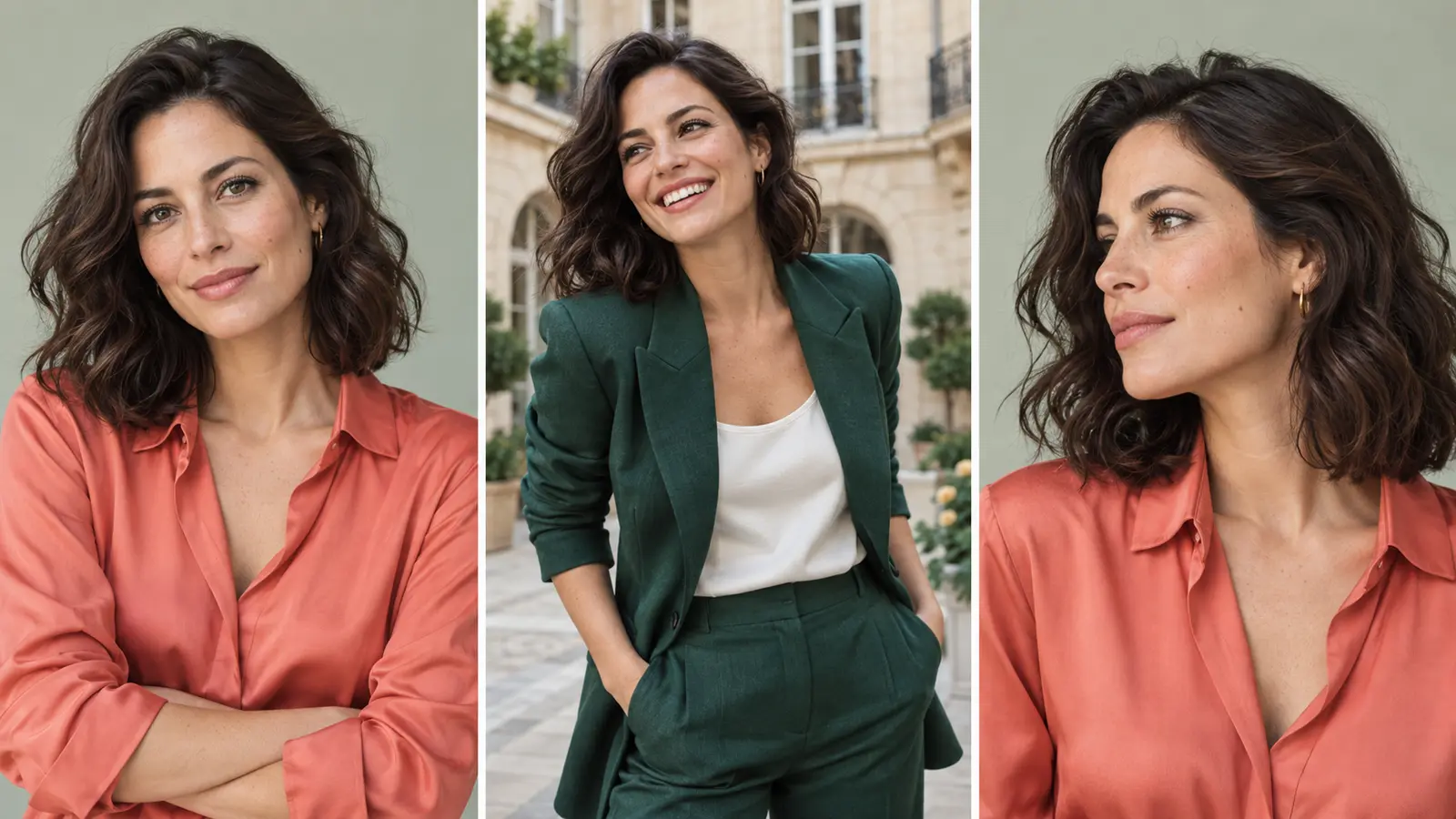
One photo, a new look
Choose a collection and the shots you love. Build a portrait session around your own photo.
Read the guidePortrait retouch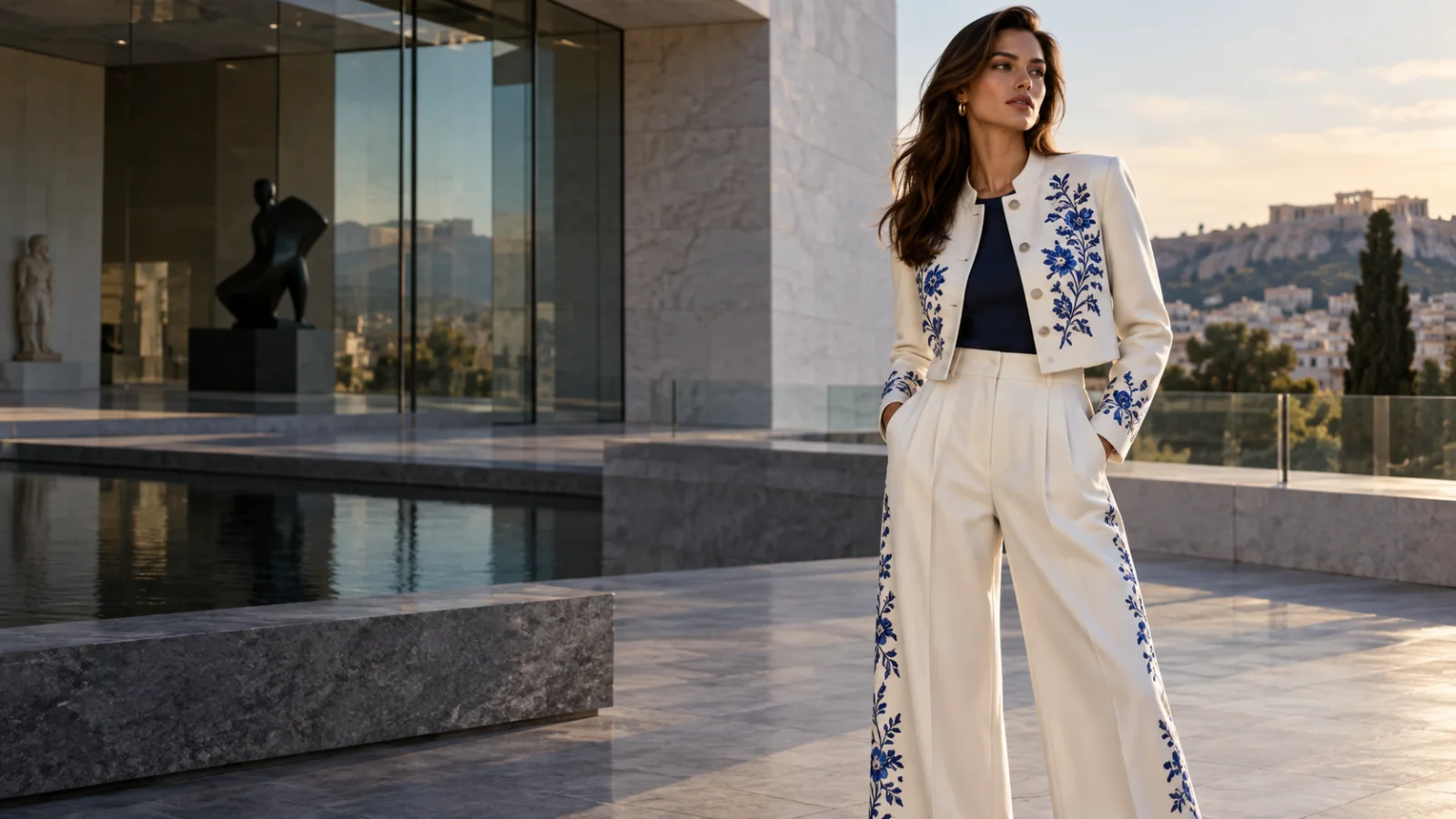
Android / iOS / Web / macOS
Make your next image a great one.
Start with a photo or an idea. Learn the tools, shape the details, and turn your first result into something worth keeping.
AI-created examples. Results will vary.
Pick a starting point. Each guide walks you through the choices that matter.
Choose a collection and the shots you love. Build a portrait session around your own photo.
Read the guidePortrait retouchRecast a model or change the setting while keeping the outfit as your reference. Learn what to check in the result.
Read the guideGarment Try-On
Describe a scene, choose its style and framing, then refine your prompt from the result.
Read the guideWriting better prompts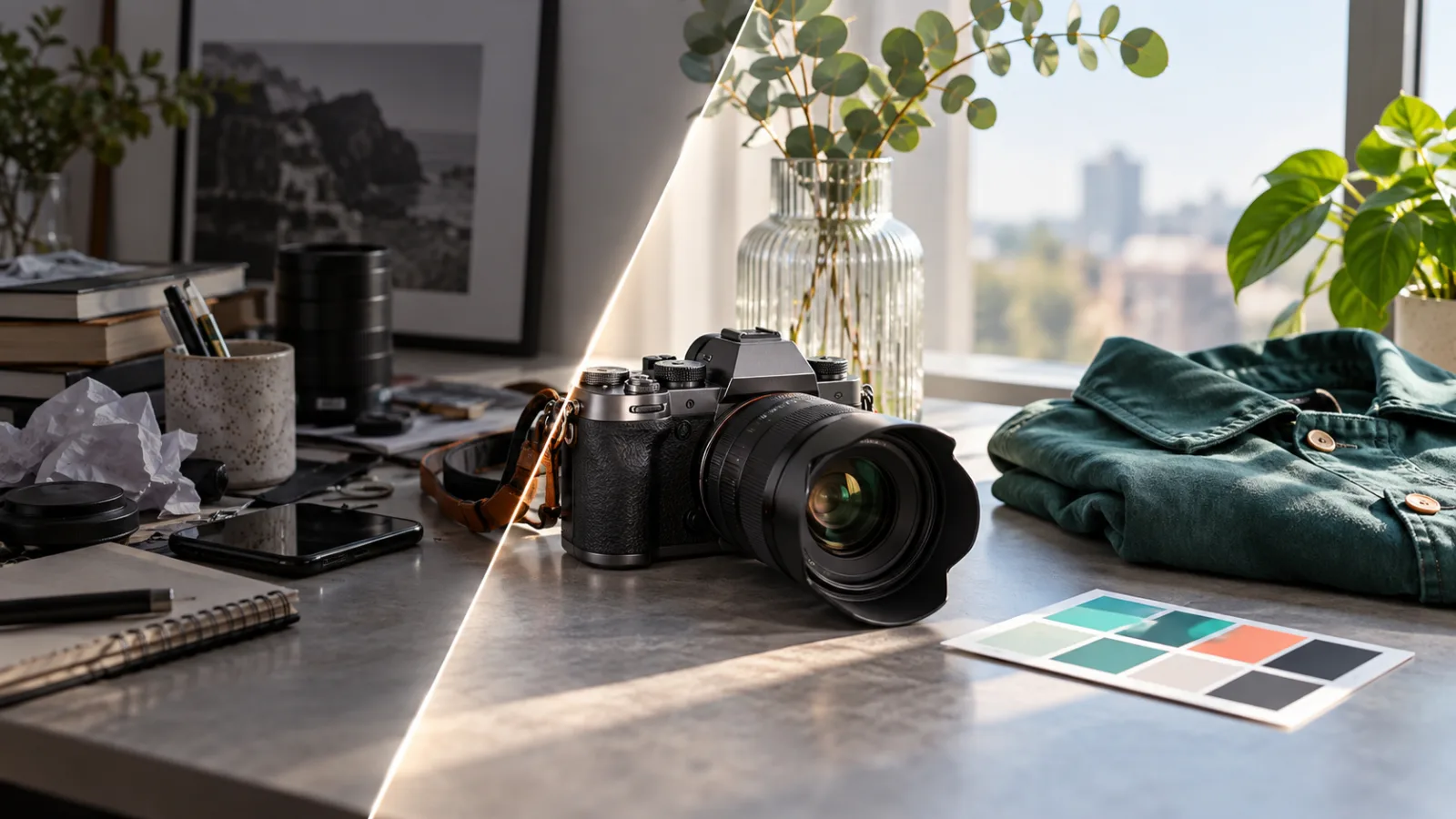
Crop, adjust color, or add text in Image Editor. Use AI Retouch when you want to change the image itself.
Read the guideAI RetouchAI-created examples. Results will vary.
The same essentials, on your phone or at your desk.
Open a tool in Create or Explore. Add a photo from your library, camera or files when the scene needs one.
Choosing imagesDescribe the change, review the scene's available controls and points quote, then start generating.
Understanding the controlsReview the result, save the original, or take it into another tool. Your recent works are in Library.
Working with your results